


A QR code at a wedding sounds simple and it is. But there is a difference between a code that collects 200 guest photos and one that gets scanned by only three people. Placement, design, and timing all matter. This guide walks you through every detail.
Why QR Codes Have Become Standard at Weddings
In 2026, QR codes at events are no longer a novelty. Guests are comfortable scanning them from restaurant menus to boarding passes, the habit is built in. At a wedding, a QR code eliminates every barrier between a guest’s camera roll and your shared album.
No app download. No email registration. No memory stick. Just scan, pick a photo, and upload. For guests ranging from teenagers to grandparents, this is the lowest-friction method available.

Step 1: Choose the Right Platform
Not all QR photo sharing tools are equal. The platform you choose determines the guest experience, photo quality, and how long your album stays accessible. Look for these features:
- Instant upload without app download or account creation
- Original resolution storage no compression like WhatsApp or Instagram
- Private album accessible only via your unique link or QR code
- Ability to download the full gallery after the event
- Optional live display feature for real-time slideshows
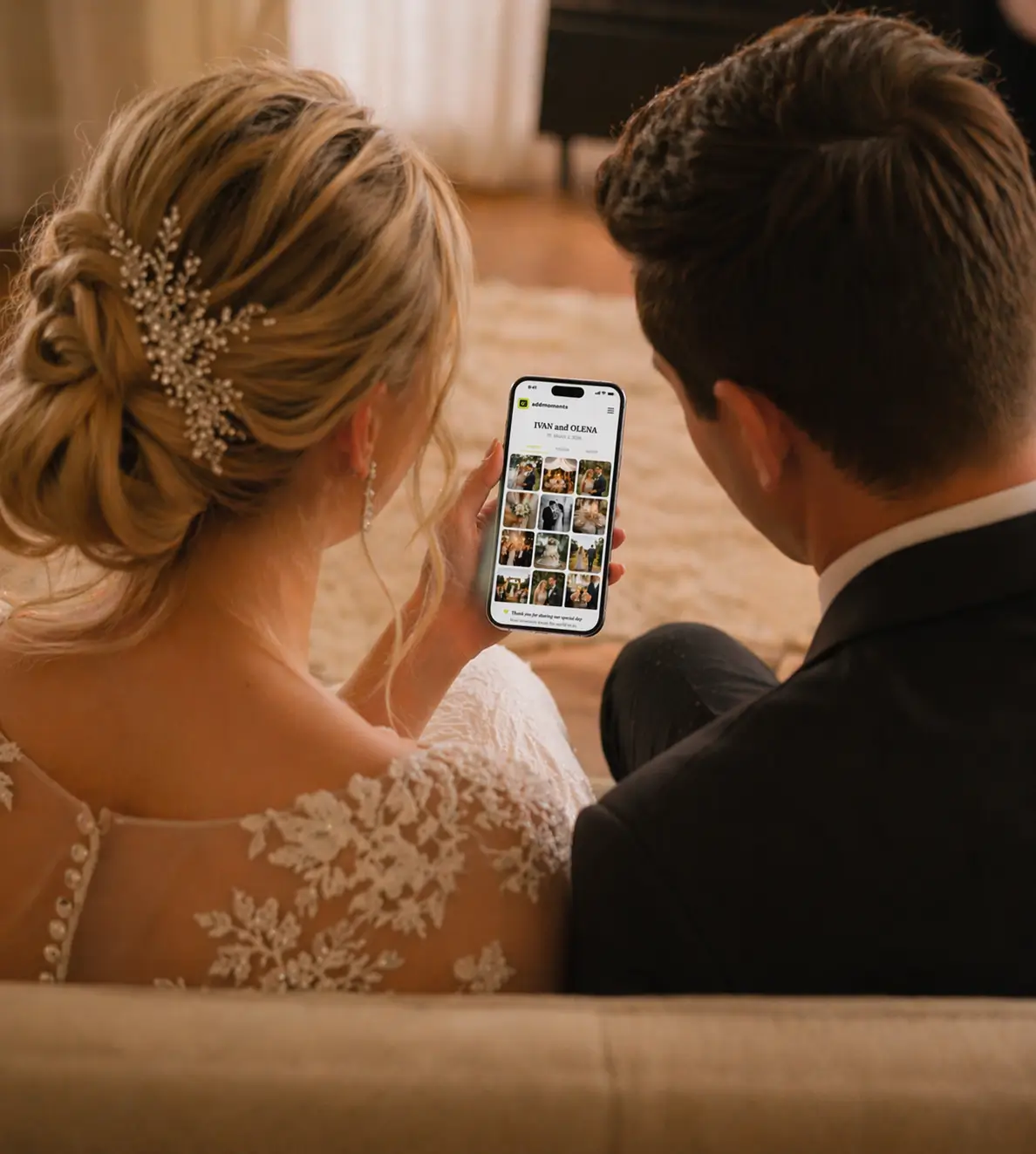
AddMoments is built specifically for event photo collection. Setup takes two minutes and you receive a unique QR code immediately after creating your event.
Step 2: Generate and Download Your QR Code
After setting up your event, download your QR code as a high-resolution PNG or vector file (SVG or PDF). This matters for print quality. A low-resolution QR code printed on large signage becomes pixelated and may not scan reliably.
Test the QR code on multiple devices before the wedding iPhone, Android, older smartphones. Scanning should work instantly without needing a dedicated QR app on modern phones.
Step 3: Where to Place Your QR Code
Table centerpieces and place cards
This is the highest-converting placement. Every guest sees it while seated during dinner exactly when they have time to pull out their phone and upload. Print the QR code on a small card at each table, ideally with a short instruction line: “Scan to share your photos with us.”
Welcome signage at the entrance
Guests arriving at the venue are in a relaxed, pre-ceremony mood and receptive to a quick scan. A standing sign with the QR code and a short message “Share your moments with the couple” plants the idea early.
Photo zone or photo booth
If you have a dedicated photo zone, this is a natural placement. Guests taking selfies and group shots are already in photo-sharing mode. A QR code on the backdrop or a nearby frame captures them at peak motivation.
Wedding program or menu card
Include the QR code on printed materials that guests keep throughout the event. Even guests who miss the welcome sign will find it when they open their menu at dinner.
Cake table or bar area
High-traffic areas where guests naturally pause are excellent secondary placements. A small tent card next to the cake or at the bar gets organic exposure throughout the evening.
Step 4: Make It Scannable
- Minimum print size: 2.5 x 2.5 cm (1 x 1 inch) for reliable scanning at arm’s length
- High contrast: dark code on white or light background never reverse (white on dark)
- Keep the quiet zone: leave clear space around the code, at least 4 modules wide
- Avoid placing the code on glossy surfaces in direct light reflection interferes with scanning
- Test scanning from 15–20 cm (6–8 inches), the natural distance most people use
Step 5: Announce It During the Event
Even perfect placement does not replace a verbal prompt. Ask your MC or best man to mention the QR code during the evening announcements: “Before you put your phone away after that toast there is a QR code on your table. Scan it and share the photo you just took with the couple.”
What to Do After the Wedding
Your event album collects everything in one place. After the wedding, log in, review every photo, and download the full gallery in original resolution. Your upload window will be open for 2 – 4 weeks according to your package , use this window to send a follow-up message to guests reminding them to add any photos they forgot to share on the night. You can view your gallery for up to 6 months depending on your package.
Common Mistakes to Avoid
- Placing the QR code only at the entrance most guests forget by dinner
- Using a low-resolution print blurry codes do not scan
- No verbal announcement placement alone misses guests who do not notice
- Choosing a platform that requires app download drops adoption significantly
- Not testing the QR code before the wedding day
A well-placed QR code, announced once , consistently results in over 80% of guests uploading at least one photo. That is the difference between 20 guest photos and 200.
→ Set up your wedding event on AddMoments, 2 minutes, QR code ready instantly